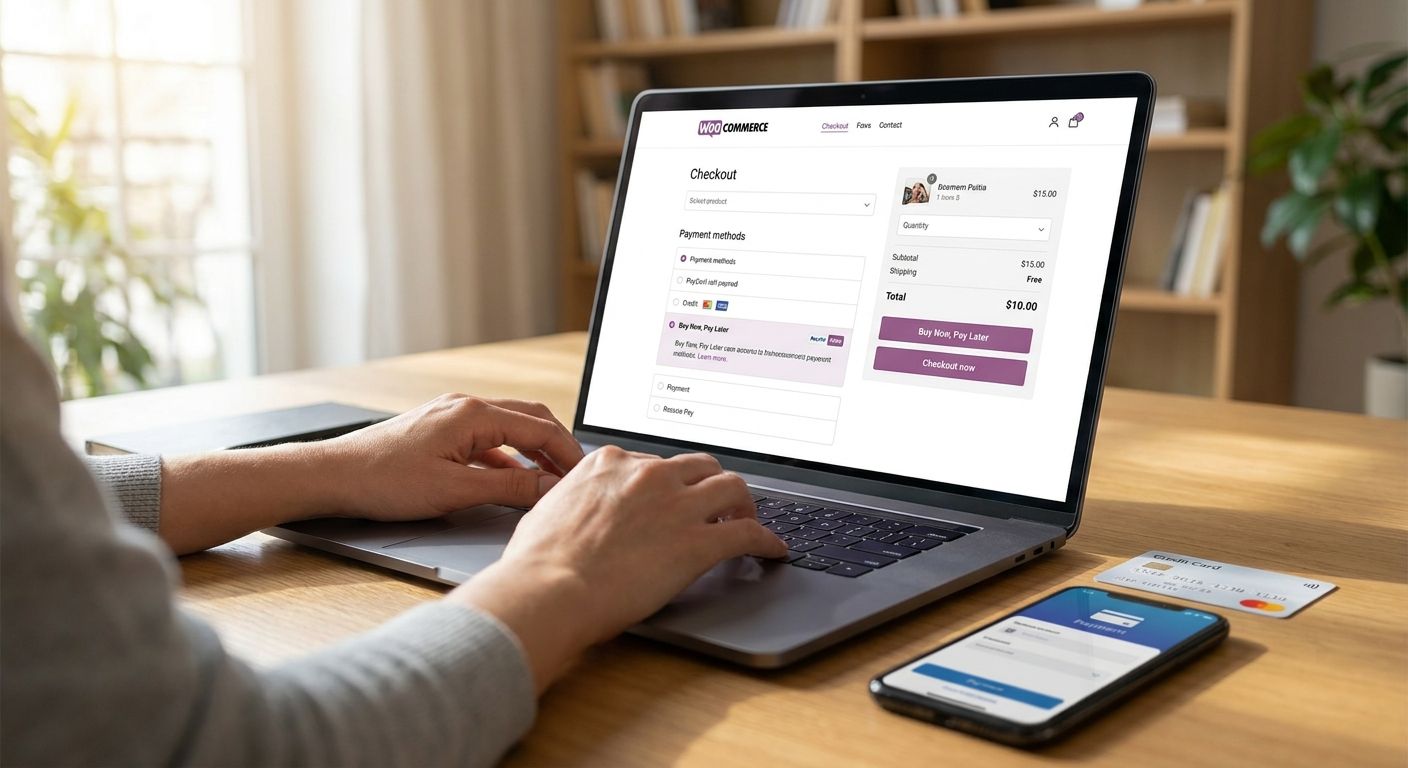
Adding buy now pay later to a WooCommerce store means connecting a provider's payment gateway plugin, hosted checkout link, or API build to your existing checkout settings — WooCommerce has no native instalment feature of its own. Which method you choose decides how fast you go live and how much developer time the job needs in 2026.
- Integrating buy now pay later with WooCommerce means adding a gateway plugin, hosted link, or API build to checkout in 2026.
- PayItMonthly and other UK BNPL providers plug into WooCommerce payment gateway settings, not a native checkout feature.
- Plugin integration is the fastest route for most stores; custom API builds only suit merchants with developer resources.
- Checkout placement matters more than integration method — instalment options need visibility before card entry.
Why this matters
WooCommerce runs on WordPress, which means every payment method — cards, PayPal, buy now pay later — has to be added as a plugin or gateway connection rather than switched on from a settings menu. Merchants often assume BNPL is a checkbox. It's a checkout gateway decision with real consequences for load time, PCI scope, and how quickly you can start taking instalment orders.
UK retailers adding PayItMonthly or a comparable interest-free instalment option to WooCommerce in 2026 are doing it for the same reason merchants added it to Shopify stores years ago: it lowers the barrier on higher-ticket items and gives shoppers a reason to finish checkout instead of abandoning it. The integration choice you make now shapes how visible that option is at the point customers decide to buy or bounce.
How do you integrate buy now pay later with WooCommerce?
Most WooCommerce buy now pay later integrations follow the same six-step sequence, regardless of provider:
- Sign up with a BNPL provider that operates in the UK and works with WooCommerce merchants — check this before building anything, since not every provider supports every cart platform.
- Install the payment gateway plugin from the WordPress plugin directory or the package your provider sends, the same way you'd install any other WooCommerce extension.
- Enter your merchant credentials — the API keys or account ID issued when your provider approves your account — into the plugin's settings screen.
- Configure checkout rules, including which order value ranges qualify for instalments and whether the option shows on the cart page, product page, or only at final checkout.
- Run a test transaction in sandbox or test mode before switching the gateway live, to confirm orders sync correctly with WooCommerce order management.
- Go live and add checkout messaging — a small instalment badge near the price does more for conversion than a line buried in payment options at the final step.
That sequence rarely changes in 2026. What changes is how much of it a developer needs to touch by hand.
Options for connecting buy now pay later to WooCommerce
| Method | How it works | Best for |
|---|---|---|
| Payment gateway plugin | Installs into WordPress and adds BNPL as a checkout option alongside cards and PayPal | Most WooCommerce stores wanting the fastest, lowest-code setup |
| Hosted checkout link | Customer is redirected to the provider's hosted page to complete the instalment agreement, then returns to the order confirmation | Merchants who want to skip deep plugin configuration |
| API / custom build | A developer calls the provider's API directly to build a bespoke checkout flow | Higher-volume stores with a developer and a non-standard checkout |
Payment gateway plugin: Buy. It's the standard route for UK small business BNPL setups that need instalments live without a development project.
Hosted checkout link: Hold. Fine for a lean launch, but it adds a redirect step between the cart and the confirmation page.
Custom API build: Skip unless you need it. Only worth the developer cost if your checkout is already custom-built or your order volume justifies the maintenance overhead.
Why WooCommerce BNPL integration difficulty varies
A handful of factors decide whether this is a same-day job or a multi-week project:
- Theme customisation — heavily modified WooCommerce themes sometimes override default checkout templates, which can hide or misplace a newly installed payment option.
- Existing payment gateways — stores already running several gateways need to check for plugin conflicts before adding another.
- Hosting environment — some managed WordPress hosts restrict plugin installs or require staging-site testing first.
- WooCommerce and WordPress core versions — outdated installs sometimes need updating before a new gateway plugin will activate cleanly.
- Order value rules — if you want instalments capped to certain price bands, that logic has to be configured, not assumed.
- Provider approval — most BNPL providers run a merchant approval step before issuing live credentials, which sits outside the technical build entirely.
Does WooCommerce support buy now pay later natively?
No — WooCommerce does not support buy now pay later natively. Every instalment option is added through a payment gateway plugin, hosted link, or API integration, the same way cards and PayPal are added. That's standard for WordPress-based e-commerce, not a WooCommerce-specific limitation.
How long does it take to add buy now pay later to WooCommerce?
A standard plugin integration is the fastest option because it plugs into WooCommerce existing payment gateway settings rather than requiring new code. Custom API builds take longer because a developer has to design and test the checkout flow rather than configure an existing one — the timeline depends on developer availability, not the provider.
Is adding buy now pay later free for WooCommerce store owners?
Cost structures vary by provider and usually involve a per-transaction merchant fee rather than a flat charge for the plugin itself. Check your chosen provider's current terms directly rather than relying on a fixed figure, since fee models are set at account level, not platform level.
“Checkout placement matters more than integration method — an instalment option only lifts conversion if it is visible before card details, not buried after.”
One last thing
Merchants who add BNPL to WooCommerce and stop there — without surfacing it on the product page or in the cart — routinely underuse it. The plugin does the technical work. Getting shoppers to notice the option before they abandon checkout is a merchandising decision, not a developer one, and it's the single biggest lever most stores leave untouched in 2026.
Add instalments to your WooCommerce checkout
See how PayItMonthly fits UK retail checkouts before you build anything.
FAQ
How do I add buy now pay later to my WooCommerce store?
You add buy now pay later to WooCommerce by installing a provider's payment gateway plugin, entering your merchant credentials, and configuring checkout rules before going live. Testing in sandbox mode first avoids order sync issues once the gateway is active.
Does WooCommerce have a built-in buy now pay later option?
No, WooCommerce has no built-in buy now pay later option. Every instalment method is added as a plugin, hosted link, or API connection, the same way any other payment gateway is added.
Which is faster, a BNPL plugin or a custom API build?
A payment gateway plugin is faster because it uses WooCommerce existing checkout settings, while a custom API build requires a developer to design the flow from scratch. Choose the plugin route unless your checkout is already heavily customised.
Can I limit buy now pay later to certain order values on WooCommerce?
Yes, most WooCommerce BNPL plugins let you set minimum and maximum order values that qualify for instalments during setup. This is configured in the plugin settings, not through WooCommerce core.
Will adding buy now pay later slow down my WooCommerce checkout?
A well-built payment gateway plugin adds minimal load time because it runs alongside your existing checkout scripts. Heavily customised themes or conflicting gateways are the more common cause of checkout slowdowns.
Is buy now pay later suitable for small WooCommerce stores?
Yes, buy now pay later works for WooCommerce stores of any size because plugin integration does not require high order volume to justify setup. Smaller stores selling higher-ticket items tend to see the clearest benefit.
Do I need a developer to integrate buy now pay later with WooCommerce?
Not for a standard plugin integration — most store owners can install and configure it themselves through the WordPress admin. A developer is only necessary for a custom API build or a heavily modified checkout theme.
What is the best way to display instalment options on WooCommerce product pages?
Show the instalment message next to the product price rather than only at final checkout, because shoppers decide affordability before they reach the payment step. Most BNPL plugins include a product-page messaging setting.